
123 Scan Utility
Recommended for programming the scanners via a Windows PC.
Note: Ex-relevant programming cable is required!
The 123Scan Utility is an easy-to-use, PC-based software tool that enables the quick and easy set-up of Zebra scanners.
BARTEC readme file - Download
The readme contains important information about connection, recognition and compatibility.
The utility is a cost free software.
The tool allows:
- General setup of BCS36x8ex series
- Programming incl. ADF and MDF
- ADF = Advanced Data Formatting
- MDF = Multi Data Formatting
- Firmware Update
- Data Viewer for test of barcodes and images
- Creation of programming barcodes
- Upload of configuration to scanner
- further functions see description of Zebra
The actual version of 123 Scan Utility can be found on Zebra "Support and Download" web page.
Downloads and resources:
More information about available scanner Plugins:
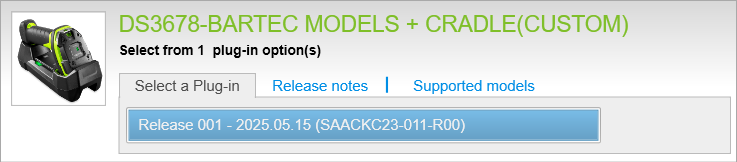
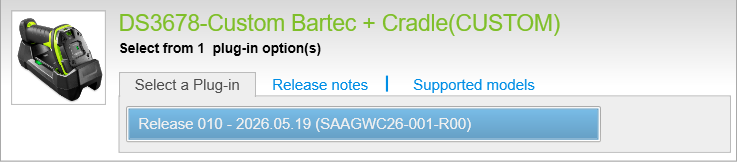
See article: BCS3678ex Plugin for Zebra 123 Scan Utility
How to identify the BARTEC BCS36x8ex versions in the 123 Scan Utility:
Scanner identification of BCS3608ex corded hand-held scanner |
| Zebra part number in 123 Scan Utility | Corresponding BARTEC part number | Scan engine | Comment |
| DS3608-HP20313VZWW | 17-A1S4-1HP0 B7-A2S4-1HP0 | SE4750-HP | |
| DS3608-HP20123VZWW | |||
| DS3608-ER20123VZWW | B7-A2S4-1ER0 | SE4850-ER |
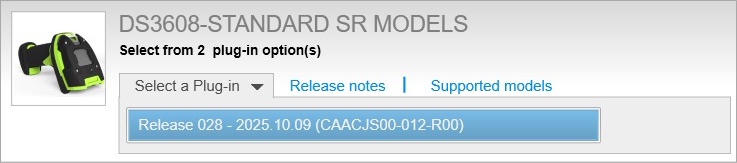 | 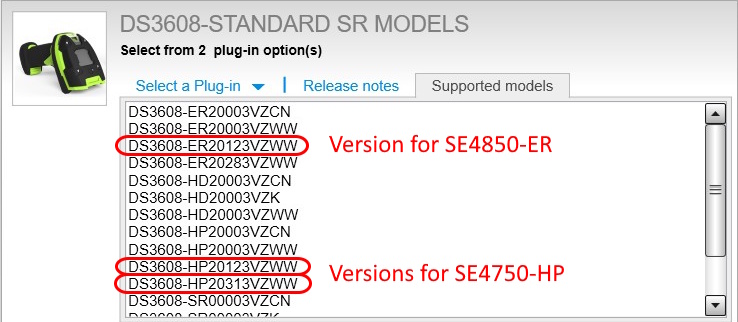 |
Scanner identification of BCS3678ex Bluetooth hand-held scanner and base station |
| Zebra part number in 123 Scan Utility | Corresponding BARTEC part number | Scan engine | Comment |
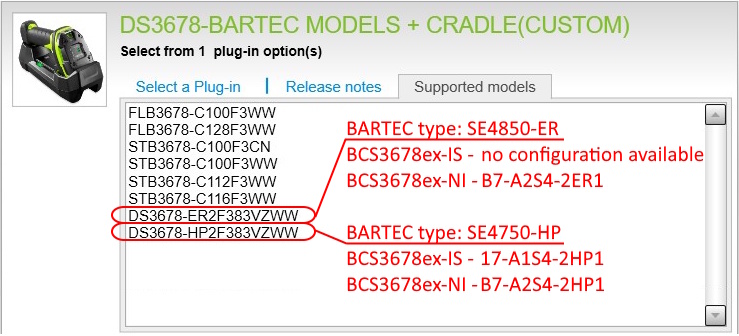
| DS3678-HP2F313VZWW | 17-A1S4-2HP1 B7-A2S4-2HP1 | SE4750-HP | |
| DS3678-HP2F123VZWW | |||
| DS3678-HP2F383VZWW | New hardware revision. The Plugin must be installed manually! See article | ||
| DS3678-ER2F123VZWW | B7-A2S4-2ER1 | SE4850-ER | |
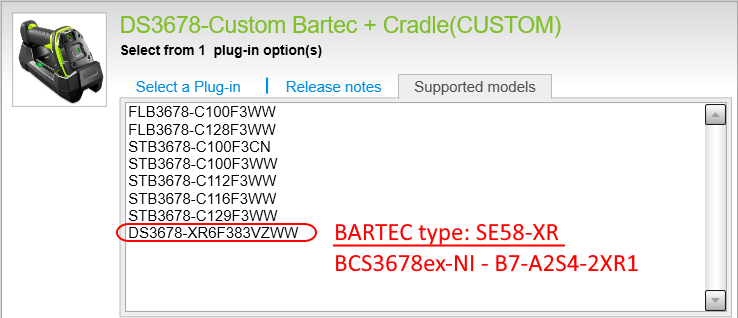
| DS3678-XR6F383VZWW | B7-A2S4-2XR1 | SE58-XR | New hardware version. The Plugin must be installed manually! See article |
| STB3678-C112F3WW | 17-A1Z0-0014 G7-A0Z0-0010 | Base station | |
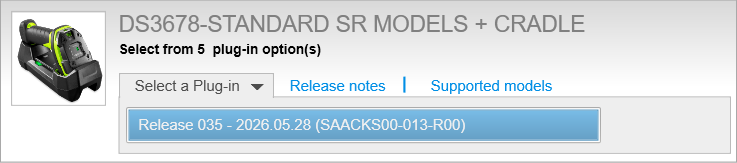 | 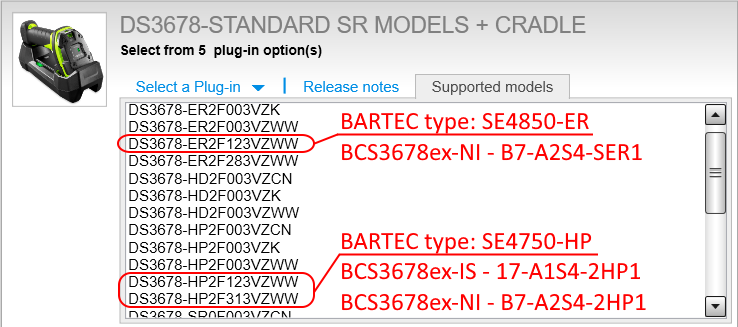 | ||
 |  | ||
 |  | ||