For the latest hardware version of the BARTEC BCS3678ex Bluetooth handheld scanners, there are plugins that must be manually integrated into the Zebra 123 Scan Utility.
The plugin is necessary so that the Bluetooth scanners can be correctly recognized by the Zebra 123 Scan Utility.
Note:
The latest versions of the Bluetooth scanners include customer-specific hardware modifications for BARTEC that require a custom plugin to correctly recognize the devices.
Note:
If you are unable to identify the type of device you have, we recommend connecting the device to the Zebra 123 Scan Utility via USB.
In the 123 Scan Utility, you can see whether the device has been recognized.
If a message appears stating that the configuration is not recognized, install both plugins.
The scanner will then be recognized after a restart.
Corded Versions:
All corded versions are automatically recognized by the Zebra 123 Scan Utility.
No plugin needs to be manually installed for the following BARTEC models.
| Part number | Scan engine | Revision |
| 17-A1S4-1HP0**** | SE4750-HP | all |
| B7-A2S4-1HP0**** | SE4750-HP | all |
| B7-A2S4-1ER0**** | SE4850-ER | all |
| Note: **** = country versions |
Bluetooth Versions:
The table explains which revision is automatically recognized and at which revision a plugin must be installed.
Column 3:
The following versions are automatically recognized by the Zebra 123 Scan Utility.
No plugin needs to be manually installed for the following BARTEC models.
Column 4:
The following versions have a new hardware revision and are not automatically recognized by the Zebra 123 Scan Utility.
A plugin must be manually installed for the following BARTEC models.
| Column 1 | Column 2 | Column 3 | Column 4 |
| Part number | Scan engine | Automatically detected. No manually Plugin installation required. Revision | Not automatically detected. Manually Plugin installation required. Revision |
| 17-A1S4-2HP1 | SE4750-HP | 4 or older | 5 or newer |
| 17-A1S4-2HP100KR | SE4750-HP | 3 or older | 4 or newer |
| 17-A1S4-2HP100CN | SE4750-HP | 4 or older | 5 or newer |
| 17-A1S4-2HP100JP | SE4750-HP | no revision | 1 or newer |
| B7-A2S4-2HP1 | SE4750-HP | no revision | 1 or newer |
| B7-A2S4-2HP100KR | SE4750-HP | no revision | 1 or newer |
| B7-A2S4-2HP100CN | SE4750-HP | no revision | 1 or newer |
| B7-A2S4-2HP100JP | SE4750-HP | no revision | 1 or newer |
| B7-A2S4-2XR1 | SE58-XR | not supported | all |
Identifying the Revision Level:
The revision level can be identified on the nameplate.
A number following the BARTEC logo indicates the revision level.

Plugin Download for SE4750-HP versions:
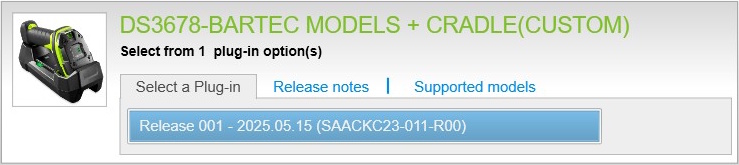 | 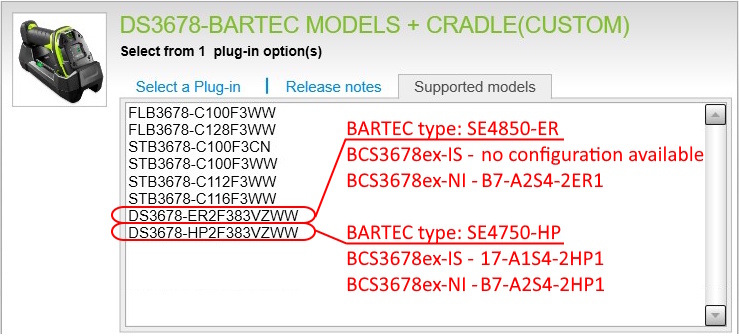 |
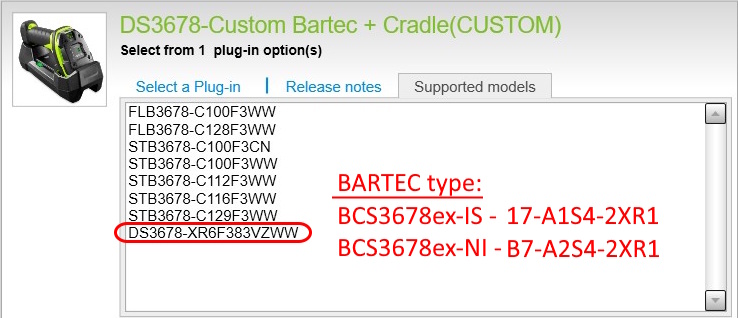
Plugin Download for SE58-XR versions:
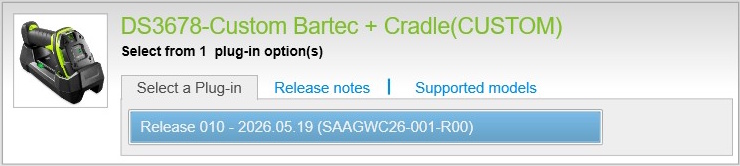 |  |
Relevant articles:
User manual for the BCS36x8ex Barcode Scanner - see chapter 9.1.3
Zebra 123 Scan Utility - a wizard for configuring and programming the scanners
Install the Plugin:
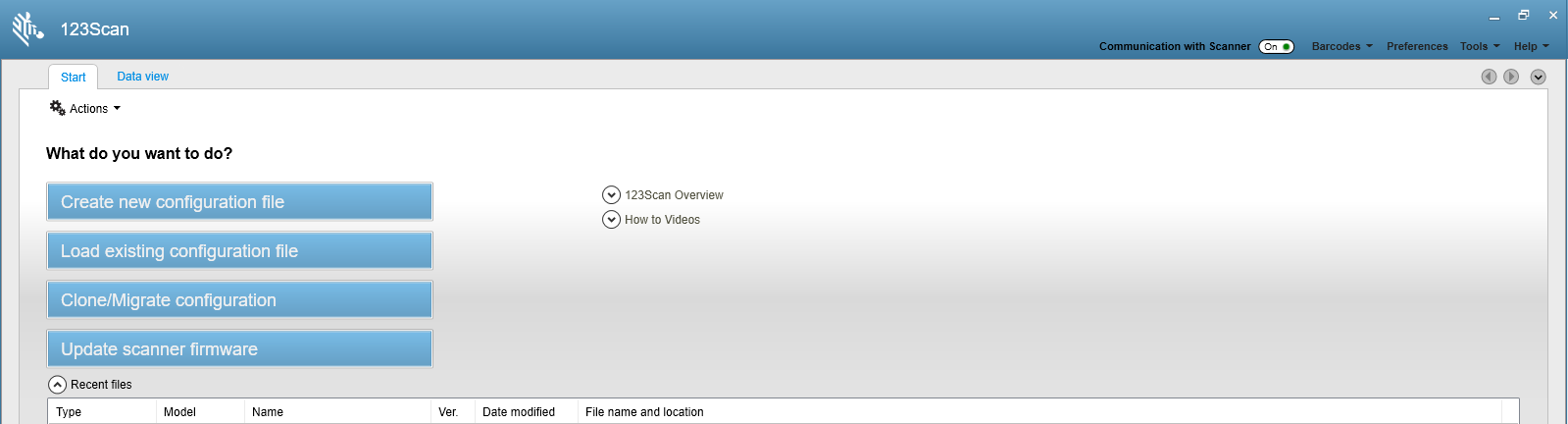
- Start the Zebra 123 Scan Utility
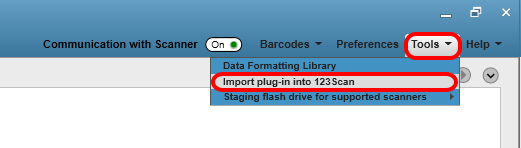
- Go to “Tools” in the menu bar
- Select “Import plugin into 123 Scan” from the drop-down menu
- Select the downloaded plugin
- The plugin will be installed
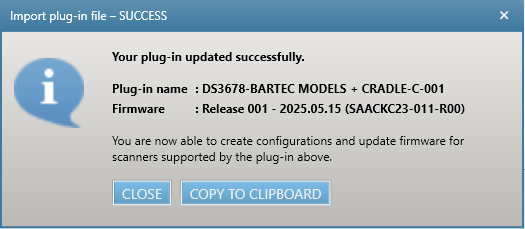
- A message will appear indicating that the plugin has been successfully installed